Complete Guide: ADP Paycheck Calculator (2025 Edition)
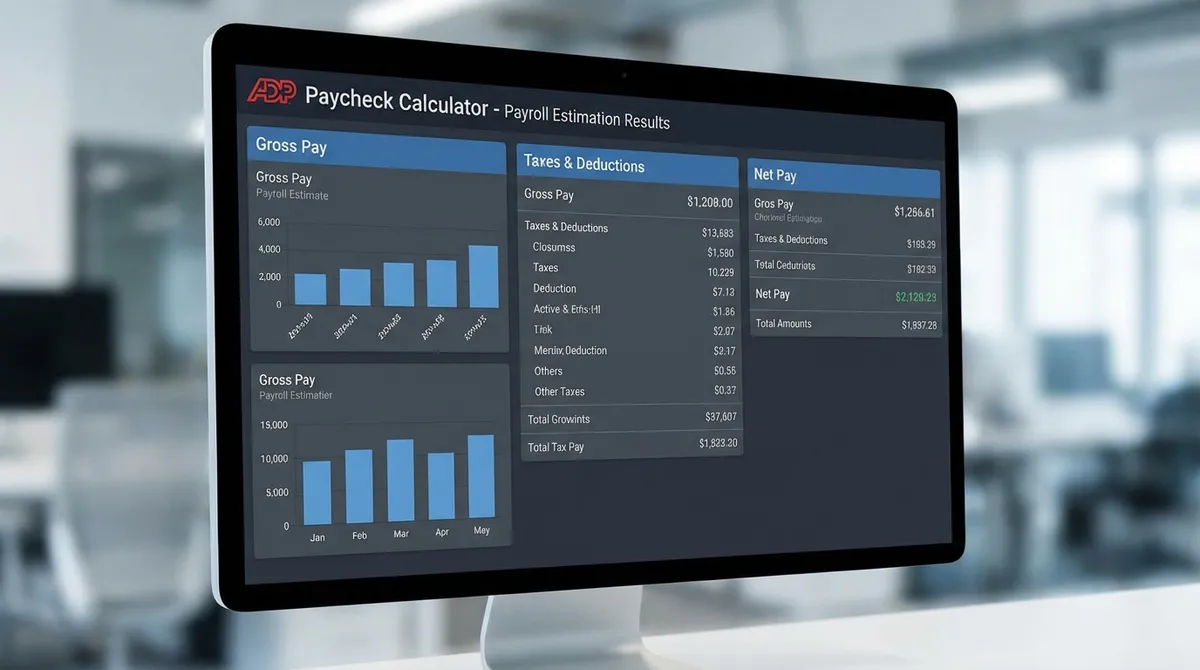
Understanding your true take-home pay is the foundation of financial health. While your offer letter states your gross annual salary, your actual bank deposit is often 20-35% less due to a complex web of taxes and deductions. Our ADP Paycheck Calculator (simulated) helps you cut through the confusion, providing a precise estimate of your net pay by accounting for 2025 federal tax brackets, state income taxes, FICA withholding, and benefit contributions.
Why This Tool Matters in 2025
- • New Tax Brackets: Federal tax brackets have shifted for inflation in 2025.
- • Higher Limits: 401(k) contribution limits increased to $23,500.
- • Social Security Cap: The wage base limit rose to $176,100—meaning high earners pay FICA taxes longer.
What is an ADP Paycheck Calculator?
'ADP' stands for Automatic Data Processing, one of the world's largest payroll providers. An ADP-style paycheck calculator mimics the rigorous methodology used by professional payroll systems to determine an employee's net pay.
Unlike simple percentage estimators, this tool calculates taxes progressively. It applies the specific tax rate to each portion of your income (marginal tax brackets) rather than just applying a flat percentage to the total. This results in a much more accurate estimate of what will actually hit your bank account.
The Anatomy of Your Paycheck: How It's Calculated
The calculation journey from "Gross Pay" to "Net Pay" involves five distinct steps. Here is exactly what happens to your money:
1Gross Pay Calculation
This is your starting point. For salaried employees, it's your annual salary divided by pay periods (e.g., $100,000 ÷ 26 bi-weekly checks = $3,846.15). For hourly, it's `Rate × Hours`.
2Pre-Tax Deductions
Money taken out before taxes are calculated. This lowers your taxable income, saving you money. Common examples include:
- Traditional 401(k)
- Health Insurance Premiums
- HSA Contributions
- Dental/Vision Insurance
3Federal & State Taxes
Taxes are applied to your "Taxable Wages" (Gross Pay minus Pre-Tax Deductions).
Federal Tax: Based on 2025 progressive brackets (10%, 12%, 22%, etc.).
State Tax: Varies by state. CA, NY, and HI have high rates; TX, FL, and WA have 0% income tax.
FICA: A flat 7.65% for Social Security (6.2%) and Medicare (1.45%).
4Take-Home Pay (Net Pay)
The final amount that lands in your checking account. This is usually 65-80% of your gross pay depending on your tax bracket and state. Use our take-home pay calculator for more details.
Real-World Example: $85,000 Salary in California
Scenario: Single Filer, Bi-weekly Pay, 5% 401(k) contribution ($163/check)
| Category | Amount (Bi-Weekly) |
|---|---|
| Gross Pay | $3,269.23 |
| 401(k) (Pre-tax) | -$163.46 |
| Federal Tax | -$360.73 |
| FICA (SS + Med) | -$250.09 |
| CA State Tax (Est.) | -$145.95 |
| Net Pay | $2,349.00 |
3 Ways to Increase Your Take-Home Pay
Adjust W-4 Withholdings
If you consistently get a large tax refund, you are loaning the government money for free. Adjust your W-4 to reduce withholding and get that money in your paycheck now.
Use Pre-Tax Perks
Maxing out an HSA or FSA reduces your taxable income dollar-for-dollar. You pay for medical expenses anyway—pay for them with pre-tax money to save ~25%.
Confirm Tax Exemptions
Check if your state offers specific deductions for student loan interest, 529 plan contributions, or renter's tax credits that can lower your local tax burden.
Common Payroll Terms Decoded
YTD (Year-to-Date)
The total amount accumulated from January 1st to the current date. Crucial for tracking when you hit Social Security caps.
Imputed Income
Non-cash benefits (like group life insurance over $50k) that are taxed as income even though you don't receive the cash.
Garnishment
Legal orders (child support, tax levies) that force an employer to withhold a portion of your paycheck.
Shift Differential
Extra pay for working undesirable hours (nights or weekends). This is taxed just like regular wages.
How to Spot Errors in Your Paycheck
Payroll mistakes happen more often than you think. Here is a 3-minute audit you should do every pay period:
- 1Check the Hours: If you are hourly, verify your clocked hours match the pay stub exactly. Missing overtime (1.5x) is the #1 error.
- 2Verify Benefit Deductions: Did you opt out of dental this year? Make sure you aren't still paying for it.
- 3Tax Presence: If you moved states recently, ensure your employer updated your location so you aren't paying taxes to the wrong state.
Salary vs. Hourly: The Tax Impact
From a pure tax perspective, the IRS treats a dollar earned from a salary exactly the same as a dollar earned from hourly wages. However, the withholding pattern often differs:
Salary (Stable)
Withholding is consistent. You can predict your net pay to the penny for the entire year, making budgeting equal.
Hourly (Variable)
If you work massive overtime one week, the payroll software might annualized that high check, assuming you make that much every week, and withhold taxes at a higher bracket rate. You'll get the overpayment back as a refund next year, but your check might be smaller than expected.
ADP vs. Competitors: Who Pays What?
Employees often ask: "Would I get paid more if my company used Paychex or Gusto instead of ADP?"
The Calculation Engines Are Identical
All major payroll providers (ADP, Paychex, Gusto, Workday) must use the exact same IRS withholding tables (Publication 15-T). If you put the same data into any of these systems, the net pay result should be identical to the penny.
Where They Differ: Deductions
Differences arise in how they handle benefits. ADP might code your 401(k) match one way, while Gusto does it another. But for standard taxes? There is no "ADP Tax Premium."
The "Portal" Experience
ADP's mobile app is widely considered the industry leader for accessibility, making it easier to download W-2s and view pay stubs compared to legacy providers.
The ADP Mobile App: A Quick Guide
For over 18 million employees, the "ADP Mobile Solutions" app is the primary way to interact with their paycheck. Here is how to master it.
View Pay Statements
The most used feature. You can view PDFs of every pay stub dating back years. Tip: Download your last "End of Year" pay stub every January for your personal records.
Manage Benefits
During "Open Enrollment" (usually October/November), use the app to select your health, dental, and vision plans. You can also view your current 401(k) contribution rate here.
W-2 Access
Stop waiting for the mail. Your tax forms (W-2s and 1095-Cs) are typically available in the app by late January, weeks before paper copies arrive.
Locked Out?
If you forget your password, do NOT try to guess it more than 3 times; ADP will lock your account for 24 hours. Use the "Forgot Password" link immediately after the first failed attempt.
Troubleshooting Common ADP Issues
Encountering an error code? Here are the most common ADP support requests and how to fix them yourself.
- •Error: "IP Restricted Access"
This means your employer only allows login from the office Wi-Fi. You cannot access your pay stub from home unless you use your company's VPN.
- •Error: "Account Locked"
As noted above, this happens after 3 failed attempts. You cannot unlock it yourself. You must contact your HR administrator, who can reset it in the ADP Practitioner Portal.
- •Issue: "Missing PTO Balance"
If your time off balance reads 0, it doesn't mean you have no days left. It often means your manager hasn't approved your timesheet for the current period yet. Check back on payday.
ADP Paycheck FAQs
Why does ADP withhold so much for bonuses?
ADP often uses the "aggregate method" or a flat 22% rate for supplemental wages (bonuses). This is IRS compliance, not an ADP glitch. If your regular tax bracket is lower than 22%, you'll get a refund for the difference.
How do I access my ADP pay stubs?
Most companies use the ADP Mobile Solutions app or the portal at workforcenow.adp.com. You will need your company's registration code to sign up.
Is this calculator exactly the same as ADP?
We use the same IRS Publication 15-T formulas that ADP uses. However, your employer may have custom pre-tax deductions or benefits that only the official ADP portal knows about. Use our tool for a 99% accurate estimate.
Does ADP track my sick time?
Yes, usually. Your pay stub generally lists "Accrued Time Off" at the bottom. This calculator focuses on pay, so you'll need to check your official stub for PTO balances.
About the Author
Jurica Šinko, Finance Expert and Founder of EFinanceCalculator. With 15+ years in corporate payroll and tax analysis, Jurica specializes in simplifying complex tax codes into actionable financial advice for employees and business owners.
Connect with Jurica Šinko→