Complete Guide: SAVE Plan Calculator
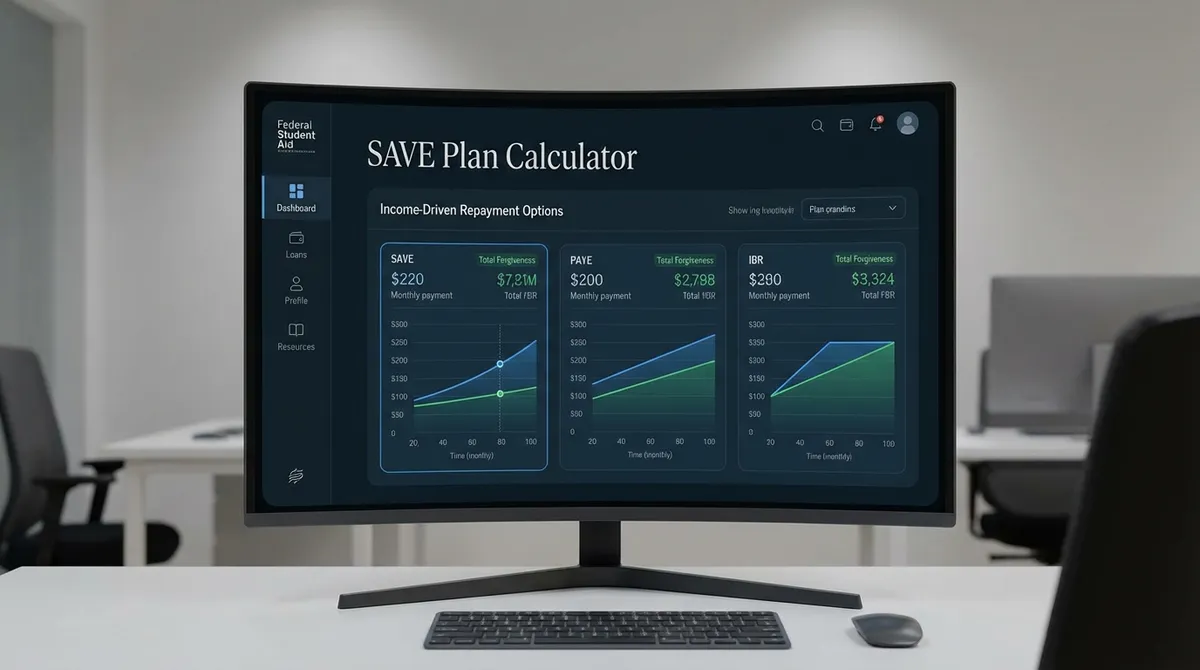
The SAVE Plan Calculator is designed to help student loan borrowers estimate their monthly payments under the Saving on a Valuable Education (SAVE) plan. Unlike traditional plans, SAVE bases your payment on your income and family size, not your loan balance. This calculator uses the specific federal formulas to show you exactly how much you can save, your potential interest subsidy, and your forgiveness timeline. It complements our standard Student Loan Calculator for general repayment strategies.
Why is this calculator different?
We include the specialized "Early Forgiveness" logic for low-balance borrowers (under $12,000 original principal), which many standard calculators miss.
How the SAVE Plan Works
The SAVE plan is widely considered the most affordable student loan repayment plan in history. It replaced the REPAYE plan and introduced three major benefits:
- Higher Income Exemption: No payment is required if you earn less than 225% of the federal poverty line (about $32,800 for a single person in 2024).
- Interest Subsidy: If your monthly payment doesn't cover the interest, the government pays the rest. Your balance will never grow as long as you make your required payment. This can significantly accelerate your Student Loan Payoff.
- Early Forgiveness: Loans with an original balance of $12,000 or less are forgiven after just 10 years, rather than the standard 20 or 25 years.
Formula Breakdown
Your payment is calculated using "Discretionary Income," which is your Adjusted Gross Income (AGI) minus 225% of the poverty guideline for your family size.
The Payment Rate depends on your loan type:
- 5% for Undergraduate Loans.
- 10% for Graduate Loans.
- Weighted Average for borrowers with both.
Early Forgiveness Timeline
One of the most complex parts of the SAVE plan is the forgiveness timeline. It is not always 20 years. If your original principal balance (total of all loans) was $12,000 or less, you receive forgiveness after 10 years.
For every $1,000 above $12,000, the timeline increases by 1 year, up to a maximum of:
- 20 Years for Undergraduate loans.
- 25 Years for Graduate loans.
Tax Filing Status Strategies
The SAVE plan allows married borrowers to file taxes separately to exclude their spouse's income from the payment calculation. This is a major change from the REPAYE plan.
Strategy: If your spouse earns a high income and has no student loans, filing separately could save you hundreds per month. However, you must weigh this against the tax benefits you lose by not filing jointly.
Strategies for Married Borrowers
The SAVE plan allows married borrowers to file taxes separately to exclude their spouse's income from the payment calculation. This represents a significant shift from previous IDR plans like REPAYE, where spousal income was almost always included regardless of filing status.
When to File Separately:
- Your spouse has a high income but no student loans.
- Including their income would push your monthly payment far above what you can afford.
- You are pursuing Public Service Loan Forgiveness (PSLF) and want to minimize payments to maximize forgiveness.
The Trade-Off: By filing separately, you lose access to valuable tax credits (like the Student Loan Interest Deduction, Child and Dependent Care Credit, and others). You might also face a higher tax bracket. Always compare the annual tax cost of filing separately against the annual student loan savings.
Impact of Inflation and Recertification
Because the SAVE plan payment formula is tied to the Federal Poverty Guidelines, inflation actually helps lower your payments over time (assuming your income stays the same).
Every year, the Department of Health and Human Services (HHS) adjusts the poverty line upward. Since SAVE exempts 225% of this line from your payment calculation:
- Higher Poverty Line = Higher Deduction: A larger portion of your income becomes "protected."
- Lower Discretionary Income: Your calculated discretionary income shrinks. You can visualize this impact with a Budget Calculator.
- Lower Monthly Payment: Your required payment drops, even if you didn't get a pay cut.
Who Is Eligible for the SAVE Plan?
The SAVE Plan is available to most student loan borrowers with Direct Loans. However, understanding the nuances of eligibility is critical to avoiding application rejection.
Eligible Loan Types
- Direct Subsidized Loans
- Direct Unsubsidized Loans
- Direct PLUS Loans made to graduate/professional students
- Direct Consolidation Loans that did not repay any PLUS loans made to parents
Detailed Ineligibility Rules
The biggest exclusion applies to Parent PLUS Loans. These loans cannot be repaid under SAVE directly. Even if consolidated, they are typically only eligible for the Income-Contingent Repayment (ICR) plan, which is significantly more expensive.
Warning for Parents: If you consolidate a Parent PLUS loan, you still cannot access SAVE. The "double consolidation loophole" may be an option, but it is complex and time-sensitive.
Pros and Cons of the SAVE Plan
✅ Benefits
- •Lowest Monthly Payment: Uses 225% of poverty line deduction vs. 150% for other plans.
- •Interest Subsidy: 100% of unpaid interest is waived. Your balance never grows.
- •Spousal Income Exclusion: You can exclude spousal income by filing efficiently.
❌ Drawbacks
- •No Cap on Payments: Unlike IBR or PAYE, there is no "Standard Repayment Cap." If your income skyrockets, your payment could exceed the standard 10-year amount.
- •Graduate Loans Lag: Graduate loans still require 10% of discretionary income (until July 2024 weighted average implementation).
- •Longer Timeline for High Balances: Large balances can extend forgiveness up to 25 years.
Comparison: SAVE vs. PAYE vs. IBR
| Feature | SAVE Plan | PAYE | IBR (New) |
|---|---|---|---|
| Monthly Payment | 5% - 10% of Disc. Income | 10% of Disc. Income | 10% of Disc. Income |
| Income Exemption | 225% of Poverty Line | 150% of Poverty Line | 150% of Poverty Line |
| Interest Subsidy | 100% Unpaid Interest | Limited (3 Years) | Limited (3 Years) |
| Payment Cap | None | Standard 10-Year Amount | Standard 10-Year Amount |
How to Apply for the SAVE Plan
Log in to StudentAid.gov
Use your FSA ID to access the dashboard unless paper application is required.
Start the IDR Application
Select "Manage Loans" and then "Lower My Payments" (Income-Driven Repayment Plan Request).
Choose "Lowest Monthly Payment"
The application asks if you want the loan servicer to select the plan with the lowest monthly payment. Checking this box almost always results in the SAVE plan.
Recertify Annually
Enable "Automatic Income Recertification" by linking your IRS data. This ensures you never miss a deadline and your payment updates automatically.
Maintaining Your SAVE Plan: Recertification & Compliance
Getting on the SAVE plan is step one. Staying on it requires annual maintenance. Unlike standard qualified plans, IDR plans require you to prove your income every single year.
The Annual Recertification Process
You must recertify your income and family size annually. If you fail to do this by the deadline:
- You will be removed from the SAVE plan.
- You will be placed on the "Alternative Repayment Plan," which usually has much higher payments calculated to pay off your loan in 10 years or less. This scenario is similar to standard Debt Payoff terms.
- Any unpaid interest may capitalize (add to your principal balance), increasing your total debt.
Automated Recertification (New for 2024/2025)
The simplest way to handle this is to consent to the FUTURE Act data sharing. When you apply, you can grant the Department of Education permission to access your IRS tax returns automatically. This means your plan will auto-renew each year without you lifting a finger, ensuring you never miss a deadline or lose your subsidy.
Frequently Asked Questions (FAQ)
Can I switch to SAVE from another plan?
Yes, you can switch at any time. However, any unpaid interest that has accrued on your current plan may capitalize (be added to your principal) depending on the plan you are leaving. Switching from IBR typically triggers capitalization. For specific details on capitalization, check StudentAid.gov.
Does the SAVE plan count toward PSLF?
Absolutely. The SAVE plan is an "Eligible Repayment Plan" for Public Service Loan Forgiveness (PSLF). In fact, because it often offers the lowest monthly payment, it maximizes the amount eventually forgiven tax-free after 10 years of public service.
What if I have $0 income?
If your income is below the threshold (225% of the poverty line), your calculated monthly payment will be $0. These $0 "payments" still count toward your forgiveness timeline and valid PSLF months.
Are forgiven amounts taxable?
Under current federal law (American Rescue Plan Act), student loan forgiveness is tax-free through the end of 2025. Unless Congress extends this, forgiveness granted in 2026 or later could be treated as taxable income. However, PSLF forgiveness is always tax-free.